Digital Solutions Specialist Singapore

Website Accessibility in Singapore: A Practical WCAG 2.2 Guide for SMEs
October 7, 2026
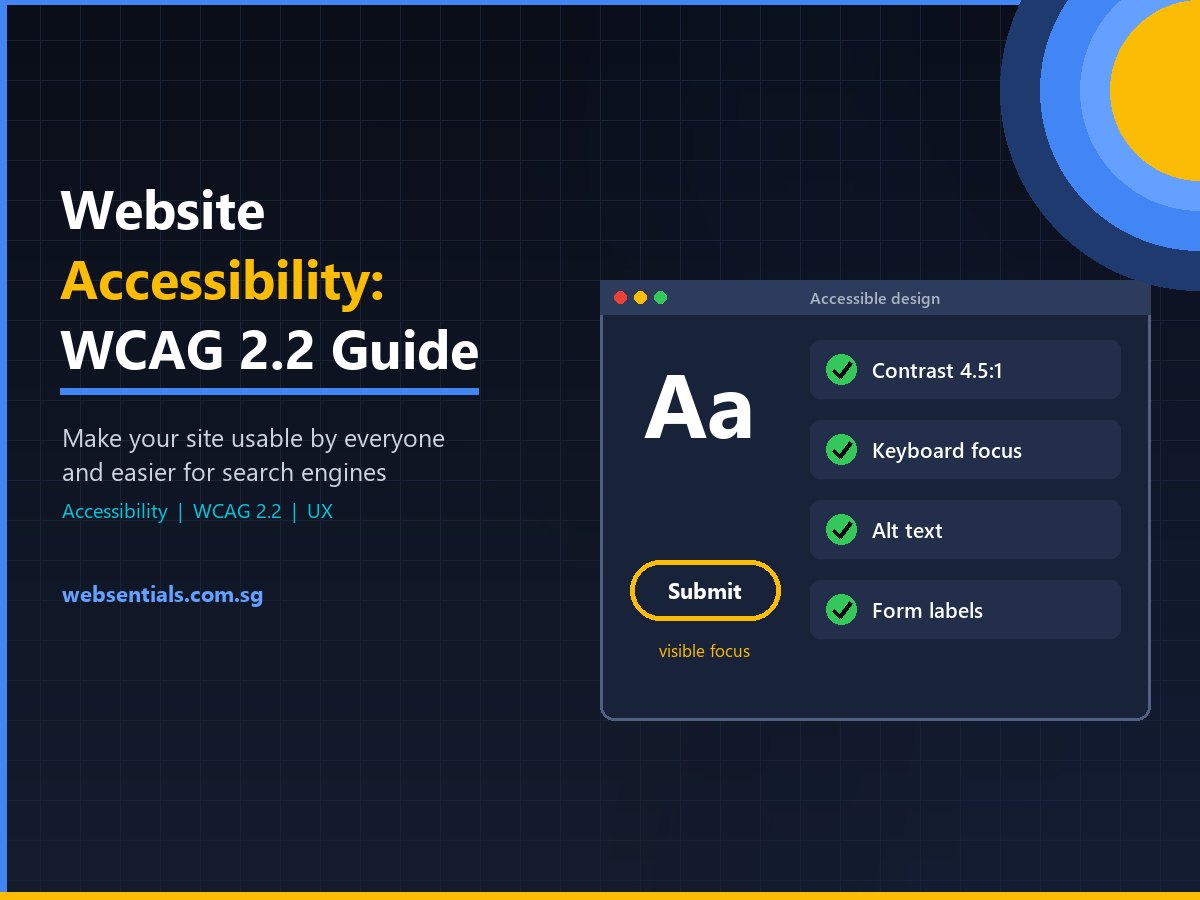
Website accessibility means building your site so that everyone, including people with visual, hearing, motor or cognitive impairments, can use it. For Singapore businesses, following the WCAG 2.2 guidelines widens your audience, improves usability for every visitor and supports your SEO. This guide explains what accessibility involves, what changed in WCAG 2.2 and the practical fixes that matter most.
Why Website Accessibility Matters for Singapore Businesses
Accessibility is often treated as a “nice to have”, but it affects real customers every day: an older shopper who needs larger text, someone navigating with a keyboard after a wrist injury, a visitor using a screen reader, or a customer reading your site on a phone in bright sunlight. If they can’t complete a form or find your prices, they leave.
The international standard for accessible websites is the Web Content Accessibility Guidelines (WCAG), published by the World Wide Web Consortium (W3C). WCAG is organised around four principles: content must be perceivable, operable, understandable and robust. Most organisations aim for conformance level AA, the level referenced by many accessibility policies worldwide.
Good accessibility also overlaps heavily with good search engine optimisation. Clear headings, descriptive link text, image alt text and fast, well-structured pages help search engines understand your content just as they help assistive technologies.
Common Accessibility Problems and How to Fix Them
| Problem | Who it affects | Fix |
|---|---|---|
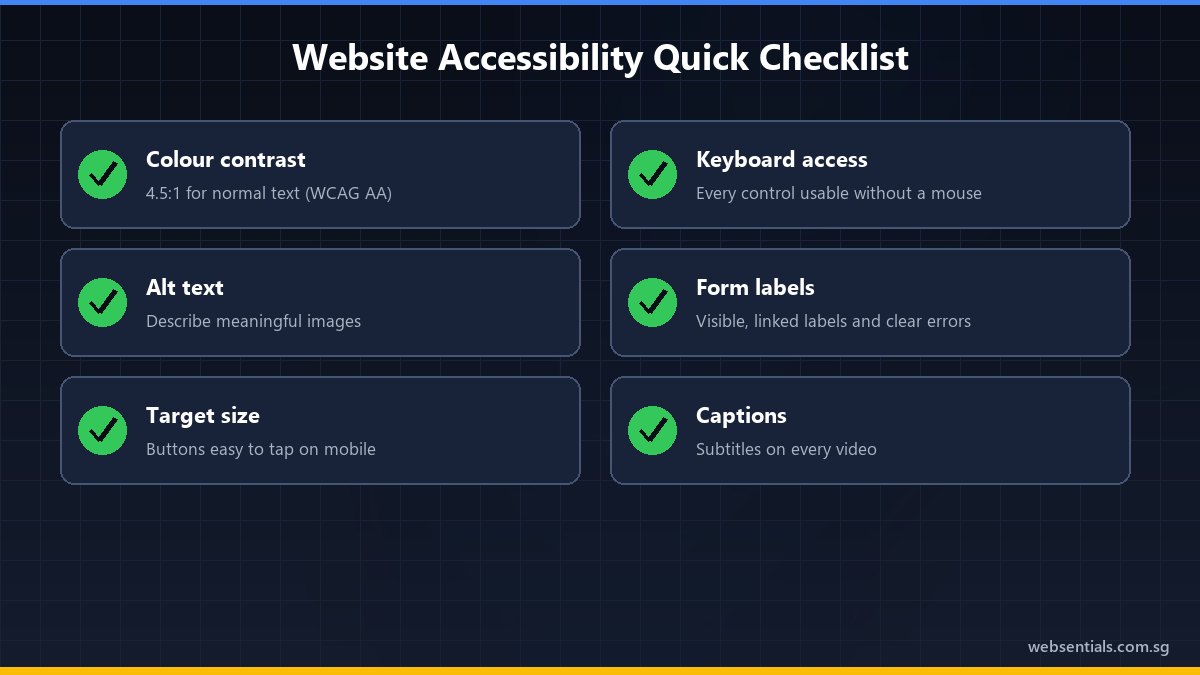
| Low colour contrast | Low-vision users, anyone on a phone outdoors | Meet WCAG contrast ratios (4.5:1 for normal text at level AA) |
| Missing image alt text | Screen reader users | Describe meaningful images; mark decorative images as decorative |
| Unlabelled form fields | Screen reader and voice-control users | Give every field a visible, programmatically linked label |
| Mouse-only menus and pop-ups | Keyboard and switch users | Make every control reachable and usable with the keyboard |
| Tiny tap targets | Users with motor impairments, mobile users | Make buttons and links large enough to tap reliably |
| Auto-playing video or carousels | Users with cognitive or attention difficulties | Provide pause/stop controls; avoid auto-advancing content |
What Changed in WCAG 2.2
WCAG 2.2 builds on WCAG 2.1 by adding nine new success criteria, and it removes the old 4.1.1 Parsing criterion [1]. Existing criteria were not changed, so a site that meets WCAG 2.1 is a good starting point. The additions focus on people with low vision, motor impairments and cognitive disabilities. In practice, they mean:
- Visible keyboard focus: the element a keyboard user is on should not be hidden behind sticky headers, chat widgets or cookie banners.
- Target size: buttons and links need a minimum size, or enough spacing, so they can be tapped accurately.
- Dragging alternatives: anything that requires dragging (sliders, reorderable lists) should also work with a simple click or tap.
- Consistent help: contact details or help links should appear in the same place across pages.
- Accessible authentication: logins shouldn’t rely on memory or puzzle tests alone; allow password managers and copy-paste.
- Redundant entry: don’t make people re-type information they’ve already given in the same process.
A Practical Accessibility Checklist for Your Website
1. Start with Structure
Use one H1 per page, followed by logical H2 and H3 headings. Screen reader users jump between headings to scan a page, exactly as sighted users skim. Use real lists and tables rather than visual imitations.
2. Make Content Perceivable
Check colour contrast for text and buttons, and never rely on colour alone to convey meaning (for example, red text for errors without an error message). Add captions to videos and alt text to informative images. Our photography and videography team plans captions and on-screen text from the start, which is far easier than retrofitting them.
3. Make Everything Operable by Keyboard
Try navigating your own website using only the Tab, Shift+Tab, Enter and Space keys. Can you open the menu, use the search, complete a booking form and close pop-ups? If not, those components need fixing.
4. Make Forms Understandable
Forms are where accessibility issues cost the most leads. Label every field, explain the required format before the user types, and write error messages that say what went wrong and how to fix it. Forms collecting personal data should also follow PDPA good practice, covered in our guide to PDPA-compliant websites.
5. Test Regularly
Automated checkers catch many issues quickly, but not all of them. Combine automated scans with manual keyboard and screen reader testing, and re-test after redesigns or plugin updates. Accessibility checks fit naturally into ongoing website maintenance.
Frequently Asked Questions
Is website accessibility a legal requirement in Singapore?
Singapore does not currently have a general law requiring private-sector websites to meet WCAG. However, accessibility is widely recognised as good practice, many organisations adopt WCAG level AA as their standard, and accessible websites serve more customers. If you sell to overseas markets, check the rules that apply there.
Which WCAG level should my business aim for?
Level AA is the most common target. It covers the barriers that affect the largest number of users, such as contrast, keyboard access, labels and captions, without the stricter requirements of level AAA, which is not usually practical for entire websites.
Does an accessibility overlay plugin make my site compliant?
Not on its own. Overlay widgets can add useful options such as text resizing, but they can’t fix underlying problems like missing labels, poor heading structure or inaccessible custom components. Lasting accessibility comes from fixing the website’s design and code.
Build an Accessible Website with Websentials
An accessible website is easier to use, reaches more customers and gives search engines a clearer picture of your content. At Websentials, we build accessibility into our web development projects from the design stage, and we can audit and improve your existing site.
- Request an accessibility review: we’ll check your key pages and forms against WCAG 2.2 level AA.
- Fix the highest-impact issues first: contrast, keyboard access, forms and headings.
- Keep it accessible: include accessibility checks in your regular maintenance.
Contact the Websentials team today to make your website work for every visitor.
References
- W3C Web Accessibility Initiative: What’s New in WCAG 2.2
- W3C: Web Content Accessibility Guidelines (WCAG) 2.2
- W3C Web Accessibility Initiative: WCAG 2 Overview