Digital Solutions Specialist Singapore

Why Professional Photography and Video Matter for Your Business Website
November 16, 2026
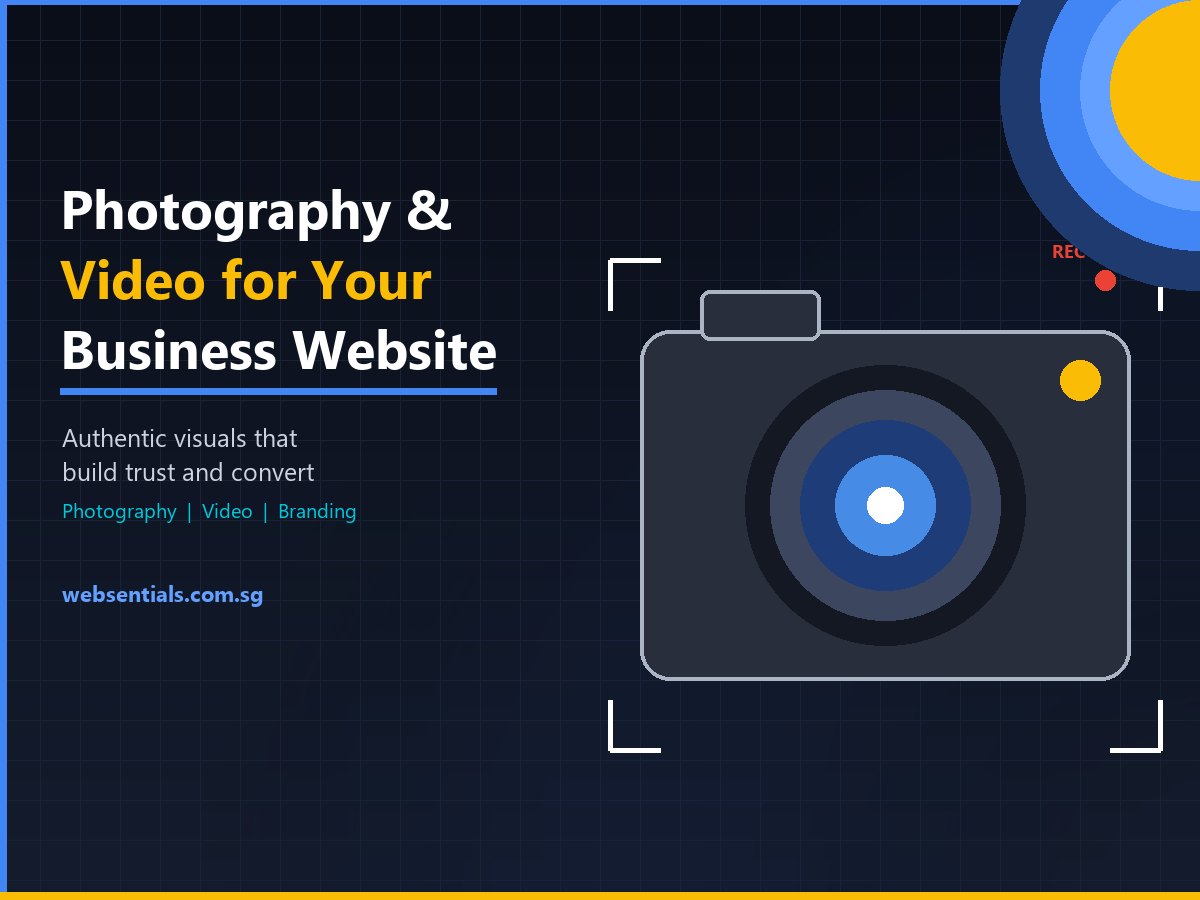
Professional photography and video show customers the real people, places and products behind your business. On a website, authentic visuals build trust, explain your offer faster than text and make your brand memorable in a way generic stock images can’t. This guide explains where professional visuals make the biggest difference and how to plan a shoot that serves your website, social media and ads.
Why Stock Photos Hold Your Website Back
Stock photos are convenient, but visitors recognise them instantly. The same smiling office team appears on hundreds of websites, and it tells customers nothing about you. When people are deciding whether to trust a clinic, hire a contractor or buy a product, they want to see the actual team, premises, work and products.
Authentic visuals also work harder across channels. One well-planned shoot can supply your website, social media, ads, brochures and presentations for months.
Where Professional Visuals Make the Biggest Impact
| Website area | What to shoot | What it achieves |
|---|---|---|
| Homepage hero | Your team, premises or product in action | Instant, authentic first impression |
| About and team pages | Consistent professional portraits | Puts faces to names; builds personal trust |
| Services or products | Products on clean backgrounds plus in-use shots | Helps customers understand and choose |
| Portfolio and case studies | Completed projects, before-work context, results | Proof of capability |
| Explainer and brand videos | Short videos showing how you work | Explains complex services quickly; keeps visitors engaged |
| Social and ad content | Vertical short-form clips and behind-the-scenes | Native-feeling content that performs on feeds |
How to Plan a Shoot That Pays Off
1. Start from Where Visuals Will Be Used
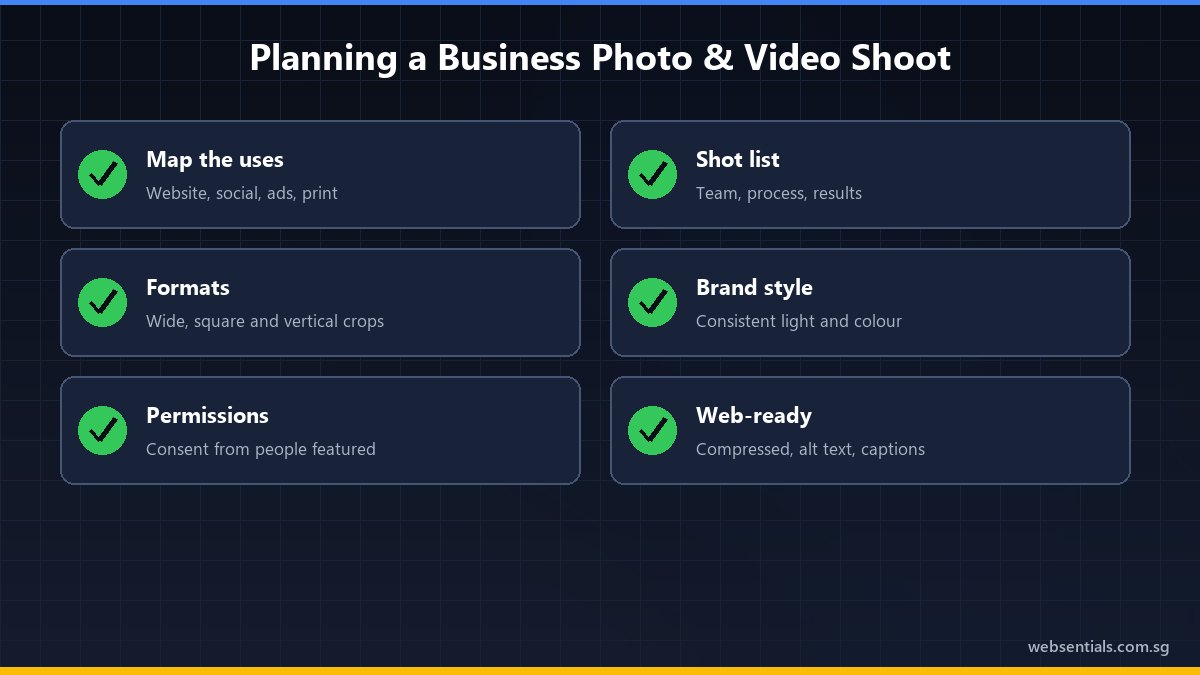
List every page and channel that needs visuals, and the format each requires: wide banners for the website, square and vertical crops for social, short clips for ads. Planning formats in advance avoids awkward crops later.
2. Write a Shot List Around Your Story
Decide what customers most need to see to trust you: the team at work, your process, the finished result. A shot list keeps the day focused and ensures nothing important is missed.
3. Keep Your Brand Consistent
Lighting, colours, styling and composition should match your brand identity so every image feels like part of the same business. If your brand needs refreshing first, our branding consultancy can help, as we covered in Beyond the Logo.
4. Get the Right Permissions
Get consent from people who appear in your photos and videos, especially customers and children, and check property or venue permissions. Keep records of these permissions.
5. Optimise Visuals for the Web
Large image and video files slow your website down, which hurts both user experience and SEO. Compress images, use modern formats, size them for their display area, and write descriptive file names and alt text. Google’s image SEO best practices also recommend placing images near relevant text. Captions on videos make them accessible and watchable with the sound off.
Frequently Asked Questions
Is professional photography worth it for a small business?
For most businesses, yes. Visuals are often the first thing visitors notice, and one well-planned shoot produces content for your website, social media and ads for a long time. The cost is usually small compared with the trust it builds.
Should my business website have video?
Short videos work well for explaining services, showing your process and introducing your team. Keep them brief, add captions, and host them so they don’t slow down your pages.
Can I use AI-generated images instead?
AI images can be useful for illustrations and concepts, but they can’t show your real team, premises or completed work. Where trust matters, authentic photography is more convincing, and customers may react badly if AI images are presented as real.
Capture Your Brand’s Story with Websentials
At Websentials, our photography and videography team creates real, relatable visuals designed for your website and social channels, and our web team makes sure they load fast and look sharp on every device.
- Plan your shoot: we’ll map visuals to your website pages and channels.
- Shoot and edit: photos and short videos in formats ready for web and social.
- Publish and optimise: compressed, captioned and properly tagged for SEO.
Contact the Websentials team today to plan your next shoot.
References
- Google Search Central: Google image SEO best practices
- W3C Web Accessibility Initiative: Making audio and video media accessible