Digital Solutions Specialist Singapore

Protect Your Investment: Why Monthly Web Maintenance is Crucial for SMEs
July 20, 2026
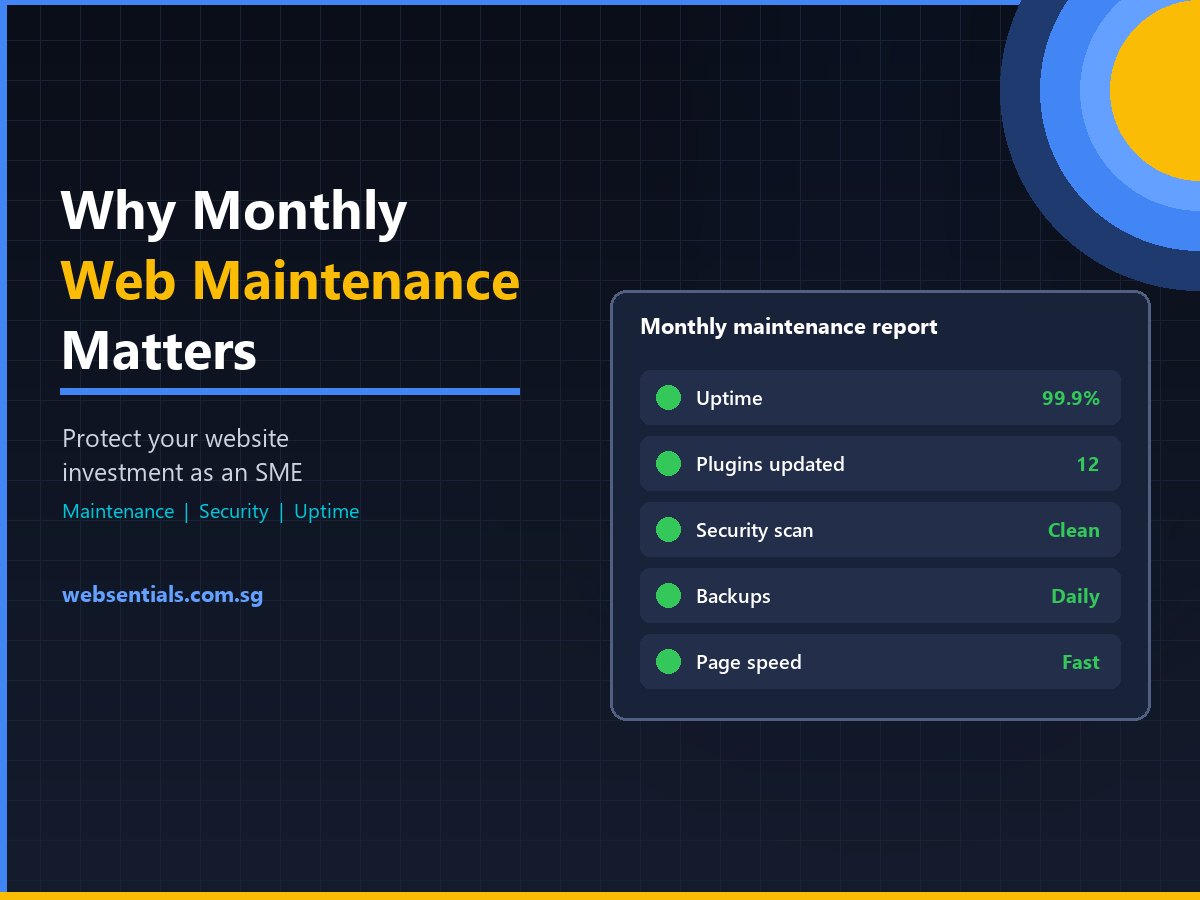
A website is not a one-off project you launch and forget. Like a company vehicle, it needs regular servicing: software updates, security monitoring, backups, speed optimisation and functional checks. Monthly web maintenance protects your investment, keeps customer data safe and stops small issues from becoming expensive emergencies. Here’s why it matters for Singapore SMEs and what a good maintenance plan includes.
Why “Launch and Forget” Websites Fail
Many SMEs treat a website like a printed brochure: build it once, put it online and let it generate leads. In reality, a modern website is a living software system made up of a content management system (CMS), plugins, themes, custom code, a database and a server environment, all of which change over time.
Think of it like a commercial van. Skip the oil changes, tyre checks and insurance renewals for three years, and a breakdown isn’t a possibility; it’s a certainty. Websites are the same. Without upkeep, software falls out of date, the database fills with clutter, and known security flaws stay open for attackers to find.
When a website goes down or gets hacked, lead generation stops, customer trust takes a hit and emergency repairs usually cost far more than routine care. Launching with a capable web development company is only the first step; regular maintenance is what keeps the investment working.
No Maintenance vs. Proactive Monthly Maintenance
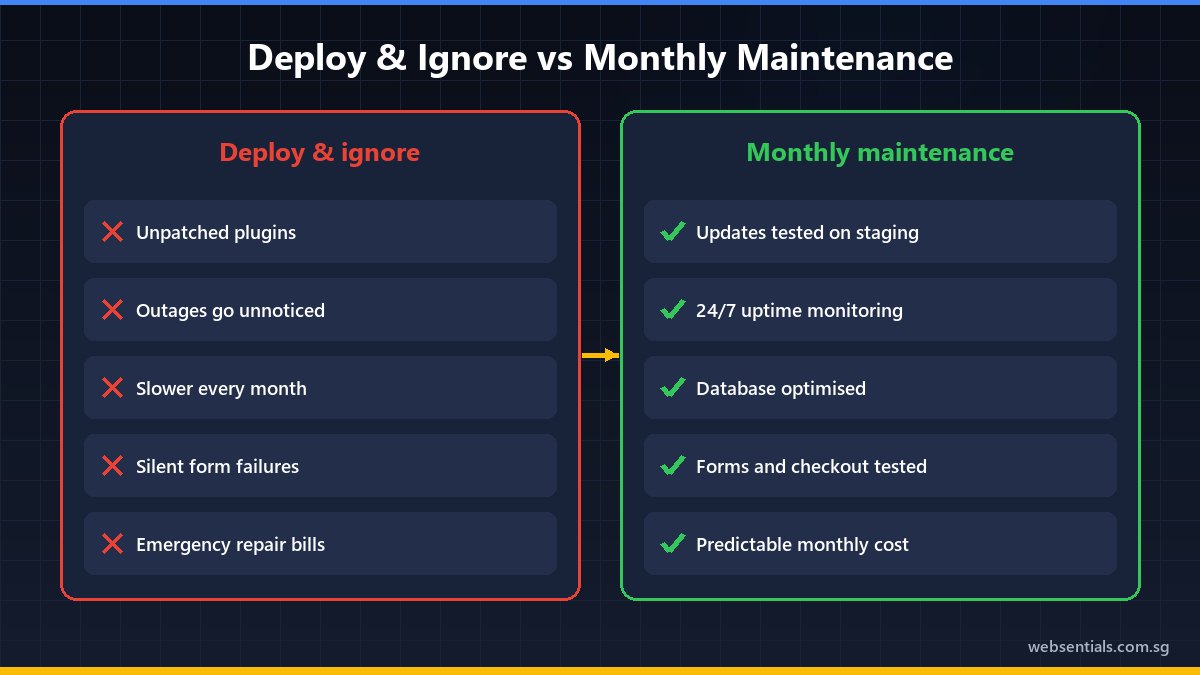
| Area | “Deploy and ignore” | Proactive monthly maintenance | Business impact |
|---|---|---|---|
| Security | Known plugin flaws left unpatched | Regular updates, security scans, firewall rules | Lower risk of hacks, malware and blacklisting |
| Uptime | Outages go unnoticed for days | Continuous uptime monitoring with fast response | Protects leads, sales and ad spend |
| Speed | Gradually slows as clutter builds | Database clean-ups and cache tuning | Better user experience and Core Web Vitals |
| Compatibility | Breaks after browser, PHP or API changes | Updates tested on staging before going live | Forms, menus and checkout keep working |
| Cost | Unpredictable emergency fees | Predictable monthly cost | Fewer financial shocks |
The Hidden Risks of Neglect
Automated Attacks Target Small Businesses Too
“Why would hackers target my small business?” is a common question. The answer is that most website attacks are automated. Bots scan huge numbers of sites for outdated software with known vulnerabilities. When a plugin’s security flaw is fixed and disclosed, sites that haven’t updated become easy targets.
For WordPress sites, plugins are the main risk: Patchstack reported that 96% of the WordPress vulnerabilities it uncovered in 2024 were in plugins, 4% in themes, and only a handful in WordPress core [1]. Compromised sites can be used to send spam, host malicious pages or redirect visitors, and if Google detects malware, it may warn visitors away from your site, hurting both trust and traffic.
Routine web maintenance in Singapore reduces this risk with timely updates, security scanning and monitoring of suspicious login attempts. For enterprise CMS platforms, see our CMS security checklist.
Database Bloat Slows Your Site Down
Every form submission, post revision and plugin process writes data to your database. Over time, revisions, spam and leftover data from removed plugins pile up and make pages slower to load. Since a widely cited benchmark links each extra second of load time to lower conversions, a slow site quietly wastes the money you spend on ads and SEO. Monthly maintenance includes database optimisation and caching checks to keep pages fast.
Silent Breakages Cost Leads
Browsers, PHP versions and third-party services such as payment gateways, CRMs and map widgets change constantly. A site frozen at launch will eventually clash with them: contact forms stop delivering emails, mobile menus stop working, checkouts fail. Because these breakages are silent, many businesses only notice weeks later when enquiries dry up. Good maintenance includes regular checks of forms, checkout flows and error logs.
Downtime and Disaster Recovery
Server issues, traffic spikes or attacks can take any site offline. With uptime monitoring, your maintenance team is alerted immediately rather than hearing about it from a customer. Regular off-site backups mean that even after a serious incident, the site can be restored to a clean state instead of rebuilt from scratch. If your hosting itself is the bottleneck, read 5 signs your business has outgrown its web hosting.
Frequently Asked Questions
What does a monthly website maintenance plan include?
A typical plan covers uptime monitoring, regular off-site backups, updates to the CMS, themes and plugins, security scanning, database optimisation and performance checks. Many plans also include a set number of hours for content updates and minor fixes.
Will my website really get hacked if I don’t update plugins?
Not necessarily straight away, but the risk grows over time. Once a plugin vulnerability is publicly disclosed, automated bots look for sites still running the vulnerable version. Keeping plugins updated is one of the most effective ways to protect a WordPress site.
Can I just click “Update All” myself?
You can, but it’s risky on a live business site. Major updates sometimes conflict with your theme, other plugins or the server’s PHP version, breaking layouts or functions. Professional teams test updates on a staging copy first, then apply them to the live site, with a backup ready in case anything goes wrong. WordPress’s own guidance also recommends backing up before updating.
Protect Your Website with Websentials
Your website works around the clock as a salesperson, lead generator and brand ambassador. At Websentials, we see launch as the start of the partnership: our team monitors, updates and secures client websites so you can focus on running your business.
- Request a site health check: we’ll look for outdated software, security gaps and speed issues.
- Choose a maintenance plan: see our website maintenance packages.
- Pair it with reliable hosting: our Singapore web hosting keeps your site fast and available.
Don’t wait for a breakdown. Contact the Websentials team today to set up a maintenance plan.
References
- Patchstack: State of WordPress Security in 2025
- WordPress.org: Updating WordPress